Today, business is evolving. Deals, communication and sales are completed on our smartphones, and our professional lives require reliable connection to the web. That’s why Apple CarPlay and Android Auto – both of which will be available in a range of GM vehicles in 2016 – are so useful and increasingly necessary.
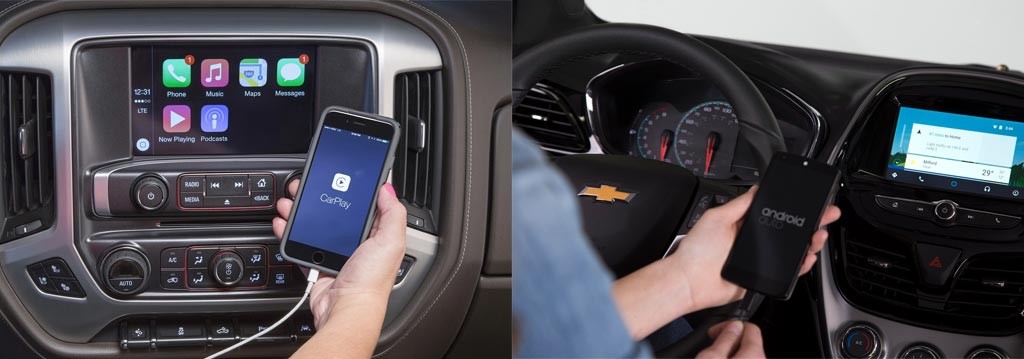
What are Apple CarPlay and Android Auto? Both services instantly integrate your smartphone into the touchscreen of your GM vehicle, whether the 2016 Chevrolet Corvette or the 2016 Cadillac CTS. A GM vehicle equipped with Apple CarPlay is, in effect, an extension of the phone. Drivers can communicate with Siri, have their text messages read back to them, listen to streaming music, and ask for directions – the major functions of your phone can be carried out with your hands on the wheel and eyes on the road.
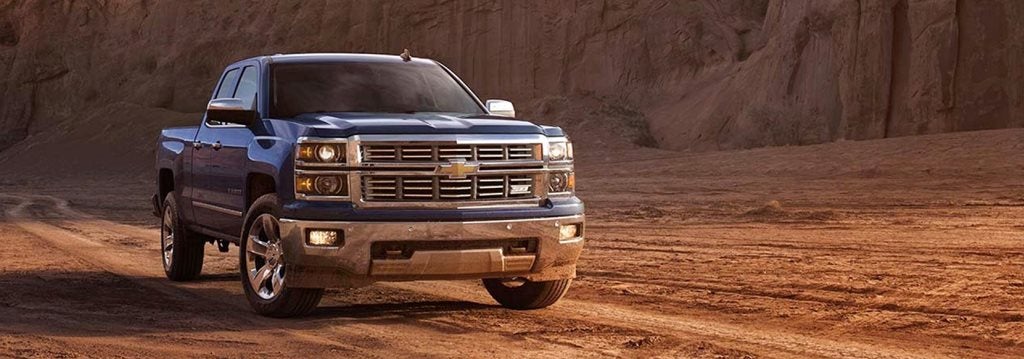
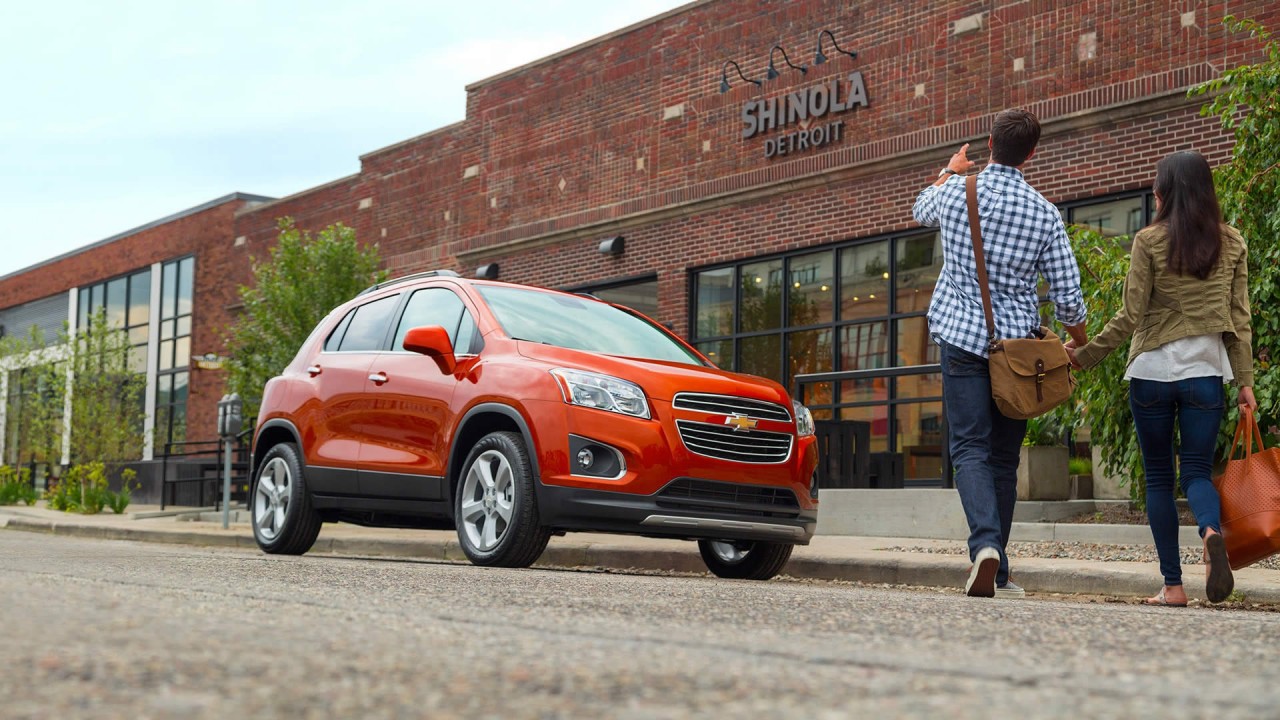
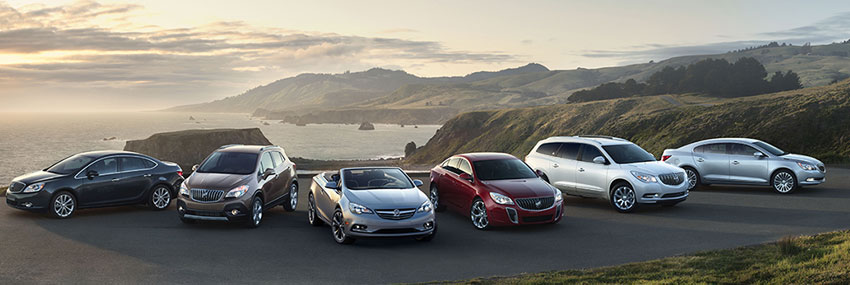
Are you interested in new cars equipped with Apple CarPlay and Android Auto? Visit Chevrolet Buick GMC Cadillac of Murfreesboro today. Many of our vehicle lines, including nearly all 2016 Chevy models, as well as Cadillac, GMC and Buick models, will be equipped with the service this year.
Apple CarPlay and Android Auto : A Closer Look
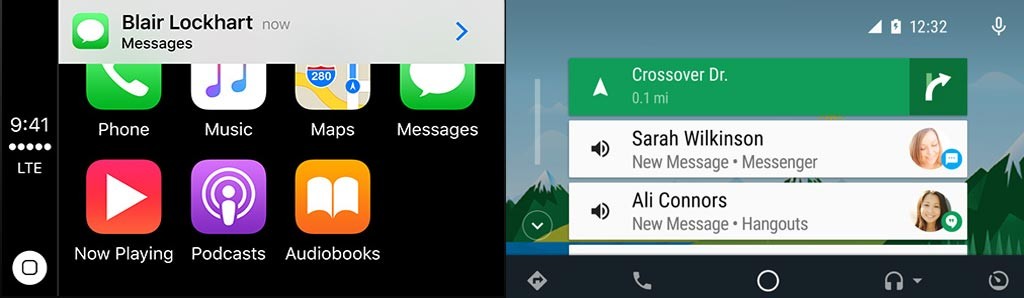
Both of these services are ideal for business professionals that require constant connection with their customers and colleagues. Essentially, there are several main functions, including:
- Communication:Text messages and calling are integrated into the vehicle’s touchscreen. Using voice-to-text, you can write and send text messages without taking your hands off the wheels, and the function also reads back texts as well. Additionally, hands-free calling is simple and easy to use, and you can quickly call contacts in your address book using voice-activated calling.
- Voice Recognition:Android and Apple phones are equipped with voice-activated controls. In the iPhone, that service is called Sir and for Android devices, it’s known as Google Now. After you connect your phone to the vehicle’s touchscreen, these voice-activated systems can be utilized, making it possible to text message, open apps, choose playlists, and ask for directions all by activing the service via a steering-mounted button. It’s simplified and intuitive and extremely useful.
- Navigation:Using Apple Maps and Google Maps is simplified with CarPlay and Android Auto. With voice activation, you can ask for directions to a specific location, as well as create pre-set locations for your home, workplace, or favorite hangouts. The directions are then displayed on the screen.
- Reminders:Whether you have an appointment, or want to remind yourself to pick up eggs when you’re near the grocery store, both services enable you to do this. Plus, reminders can be set for specific locations, i.e. a reminder to take in your dry cleaning when you get home.
- Entertainment:Of course, all your favorite entertainment apps – Spotify, iHeartRadio, and your phone’s saved music collections – are just a touch away.
Currently, a limited number of apps are available to drivers, and the reason is two-fold. For one, some apps wouldn’t be safe to access on the road, i.e. Angry Birds. And secondly, this technology remains in its early stages and its being continually developed. The good news: As the technology is updated, drivers have the potential to update the software in their vehicles, add apps, and improve functionalities.
4G LTE Wi-Fi Also Available

One advantage: Many GM 2016 models are Wi-Fi ready, and in effect, the vehicles can be turned into wireless hotspots. This functionality is available in many 2016 Chevy models, as well as Buick, Cadillac and GMC vehicles. It’s no surprise GM is a leader in offering these two services. In 1995, GM was the first automaker to deliver telemetrics, with the introduction of OnStar. Apple CarPlay and Android Auto are the next step in that long commitment.
For more information about Apple CarPlay and Android Auto in our 2016 lines,
contact Chevrolet Buick GMC Cadillac of Murfreesboro.
![[Facebook]](https://dealer9970.dealeron.com/blogs/955/wp-content/plugins/bookmarkify/facebook.png)
![[LinkedIn]](https://dealer9970.dealeron.com/blogs/955/wp-content/plugins/bookmarkify/linkedin.png)
![[Twitter]](https://dealer9970.dealeron.com/blogs/955/wp-content/plugins/bookmarkify/twitter.png)
![[Yahoo!]](https://dealer9970.dealeron.com/blogs/955/wp-content/plugins/bookmarkify/yahoo.png)
![[Email]](https://dealer9970.dealeron.com/blogs/955/wp-content/plugins/bookmarkify/email.png)
You Might Also Enjoy: